
How to access your premium account
Follow these steps to log in and open your personalized HoliSpira plan.
Please note that this is available for 30 days from the start of your subscription.
For the best experience, open this page on your mobile device to log in with one tap.

1
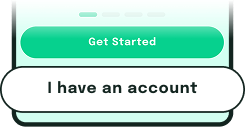
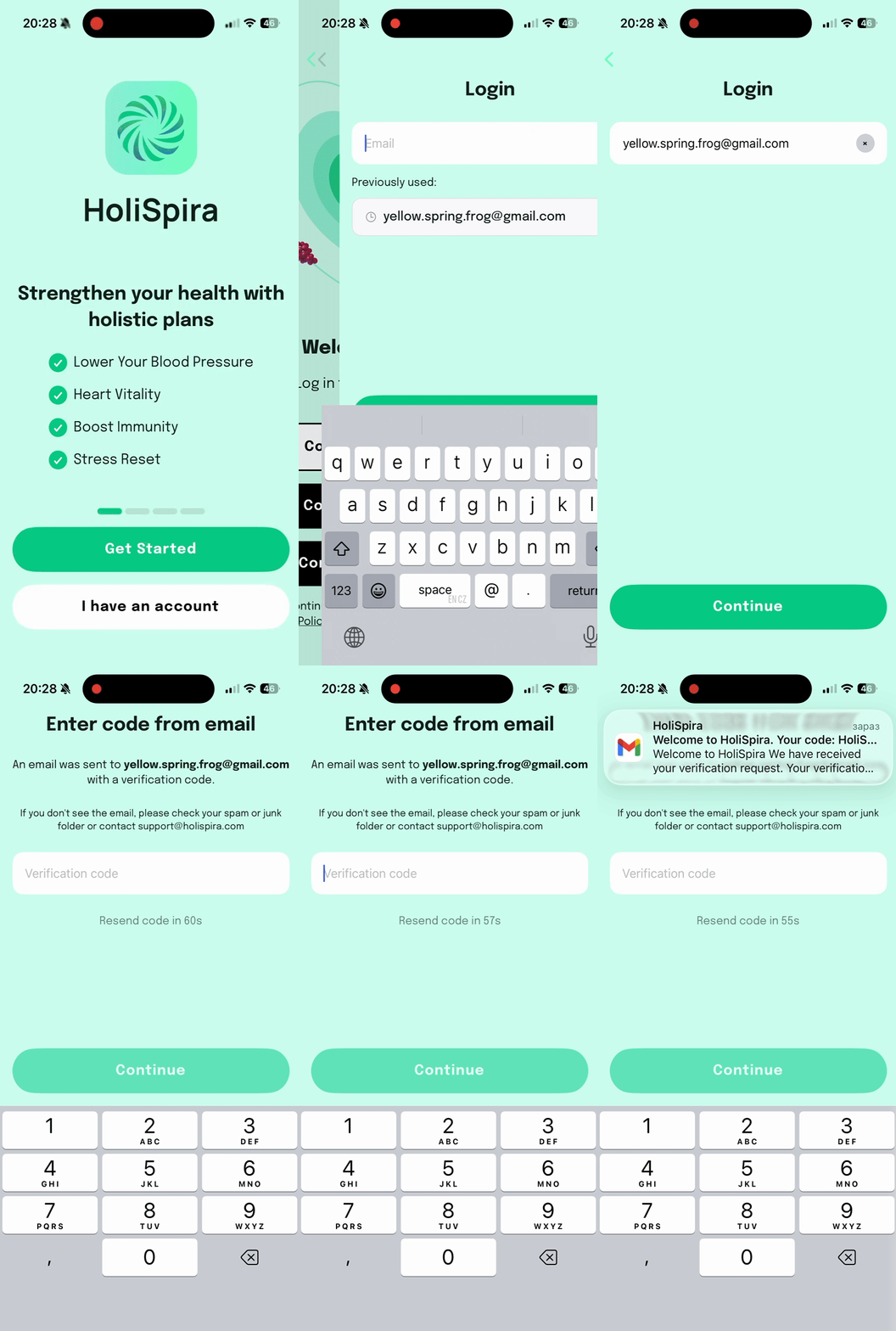
Open the app and tap Have an account.
2
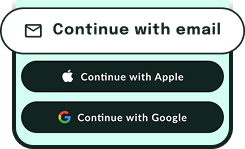
Tap Continue with email.
3
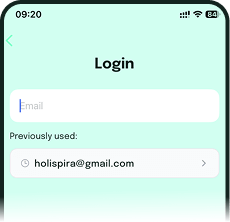
Enter your email to receive a 4-digit code.
4
Enter the 4-digit code to access your account.
That is it! You are ready to start using HoliSpira and begin your personalized wellness journey.
If the download does not start or you have issues opening the link, contact our support team at [email protected].

Get the HoliSpira app
Questions? Email us at [email protected].